

DO YOU HAVE PROBLEMS WITH ONE OF OUR PRODUCTS?
If you have encountered problems with the operation of one or more products, select the range from the drop-down menu and add one or more devices on which you have found anomalies. Then fill out the form and click on the button to open a support ticket, you will be added in chronological order and contacted by one of our technicians.
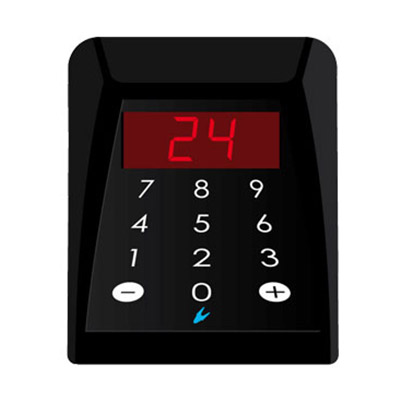
Desk console for operator with 2-digit LED display.
Select
CONS2
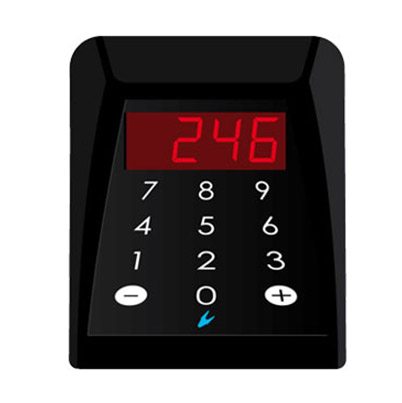
Desk console for operator with 3-digit LED display.
SelectCONS3
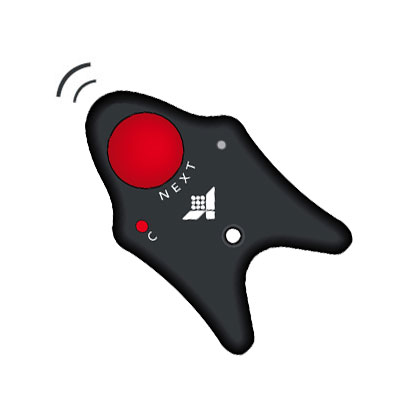
Radio control at the standard frequency of 433.92 MHz.
SelectTX
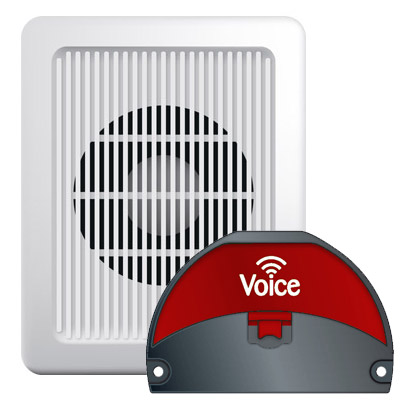
The VOICE module consists of a central unit and a loudspeaker.
SelectVOICE
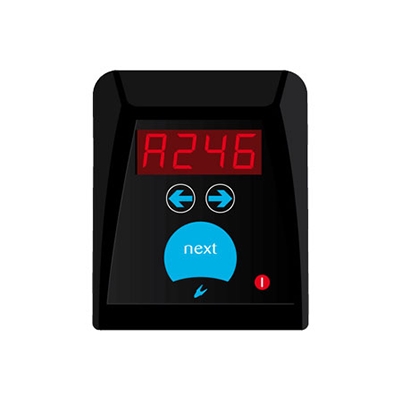
Call console for operator.
SelectMP-CONS
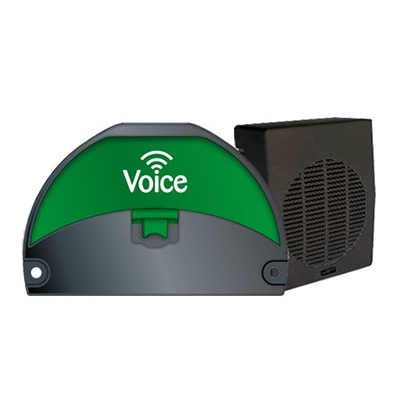
The MP-VOICE module consists of a central unit and a loudspeaker.
SelectMP-VOICE

Radio control at the standard frequency of 433.92 MHz for multipoint systems.
SelectMP-TX
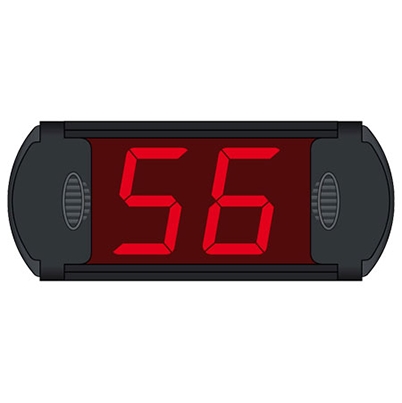
2-digit door display.
SelectMD-CD2

3-digit door display.
SelectMD-CD3
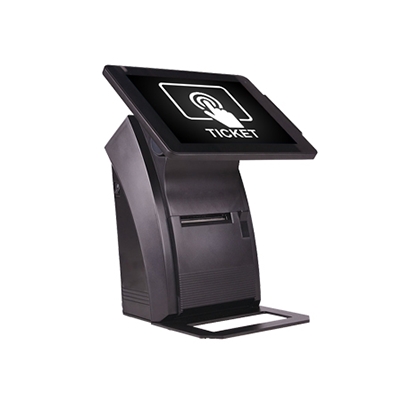
Main unit of queue management of MicroTouch systems.
SelectQS-MICROTOUCH
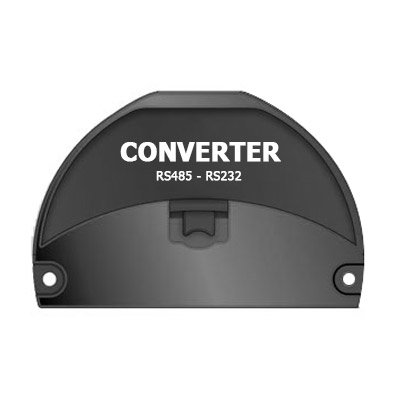
RS485-RS232 converter for the connection of serial peripherals.
SelectCONVERTER
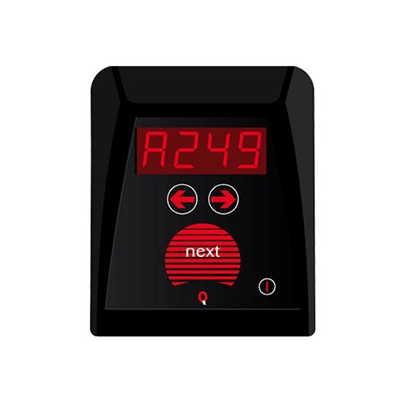
Call console for operator.
SelectQS-CONS
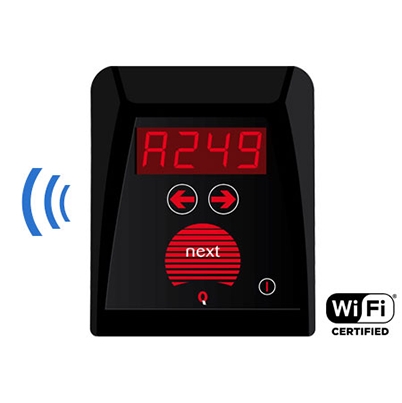
Call console for operator.
SelectQS-WCONS
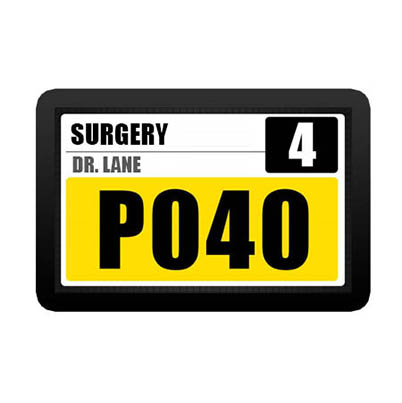
LCD door display.
SelectQS-LCD10A
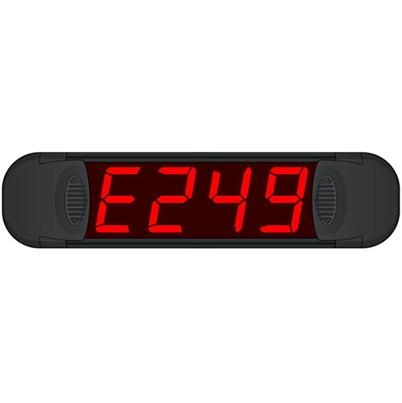
3-digit door display.
SelectQS-CDS3
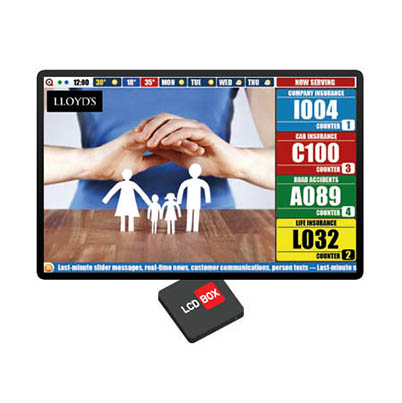
TV-Box client with 4-element history.
SelectQS-LCDBOX
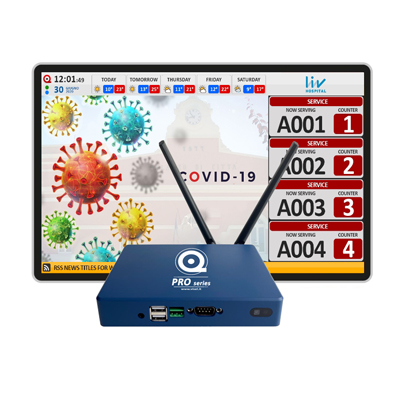
TV MediaBox PRO client with shift numbering history.
SelectQS-MEDIABOX-PRO
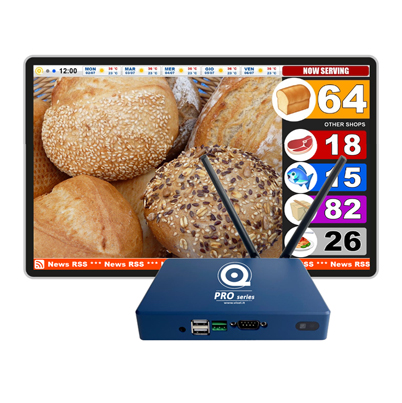
TV MarketBox PRO client with summary of shift numbering.
SelectQS-MARKETBOX-PRO
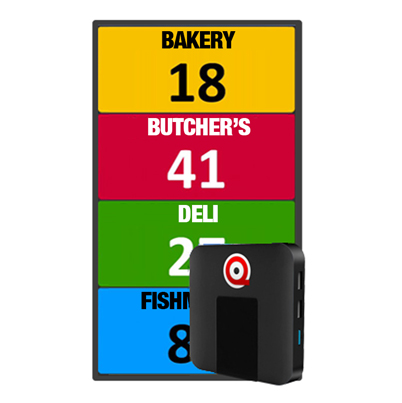
Main Unit for Vertical SUMMARY display type.
SelectQS-VERTICALBOX
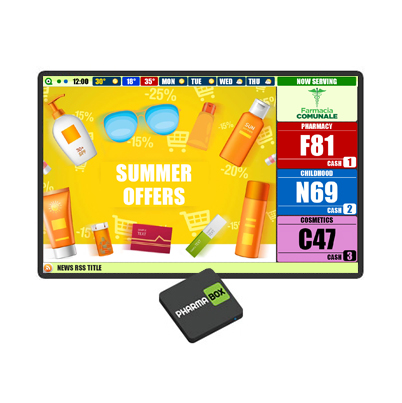
Client Display Box designed for Pharmacies.
SelectQS-PHARMABOX
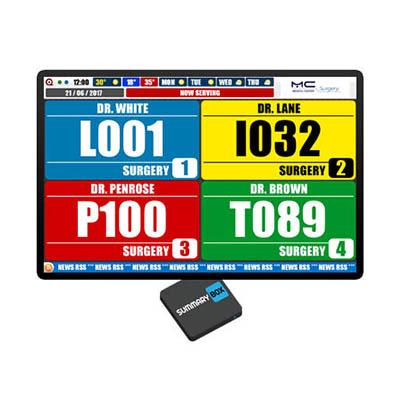
Client TV-Box for summary of all services.
SelectQS-SUMMARYBOX

TV box server with MicroTouch software.
SelectQS-MICROTBOX
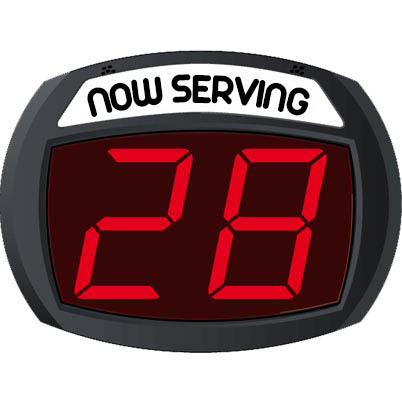
Main unit with wired button for number progressing.
SelectSD2
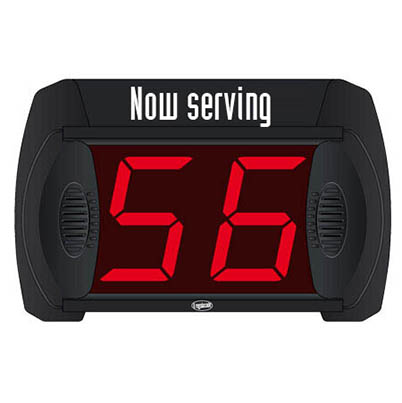
2-digit electronic display, in light segments.
SelectMD2
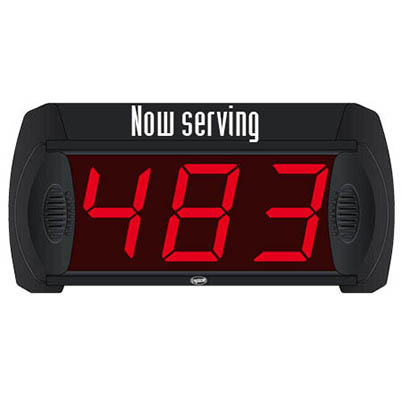
3-digit electronic display, in light segments.
SelectMD3
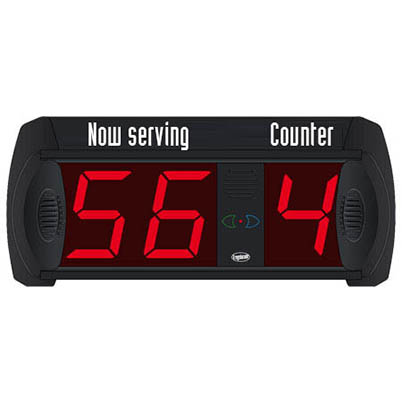
2 digits main display for the indication of the progressive number.
SelectMD-M21

3 digits main display for the indication of the progressive number.
SelectMD-M31
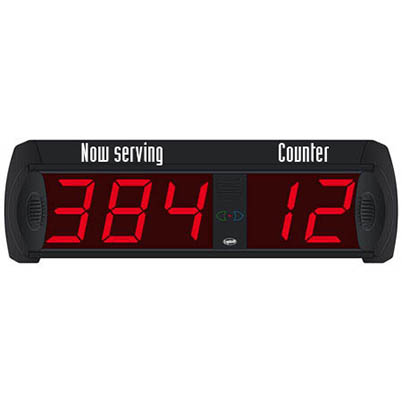
3 digits main display for the indication of the progressive number.
SelectMD-M32
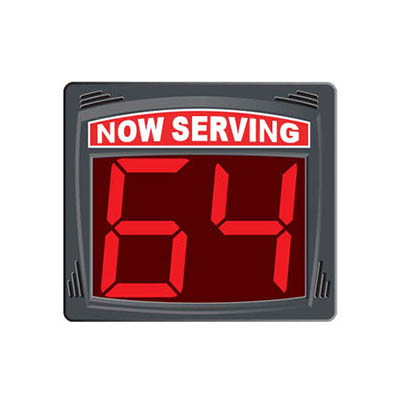
Electronic 3-digit LED display for indicating the progressive number of turn.
SelectTD04
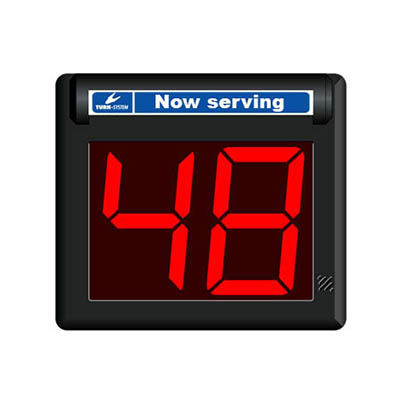
2 digit LED Electronic display for indicating the sequence number of turn.
SelectTD2

3-digit electronic 7 segments display for turn indication.
SelectTD3
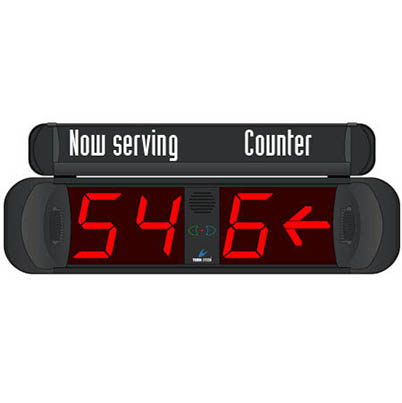
It is the main display unit usually placed in the waiting area.
SelectMP-MD21
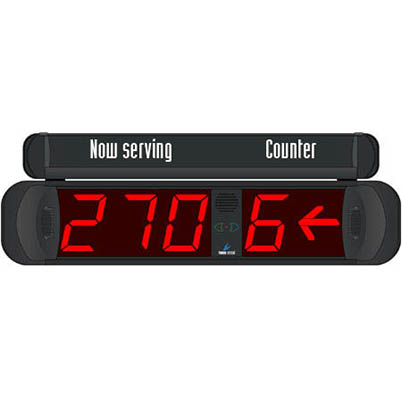
It is the main display unit usually placed in the waiting area.
SelectMP-MD31
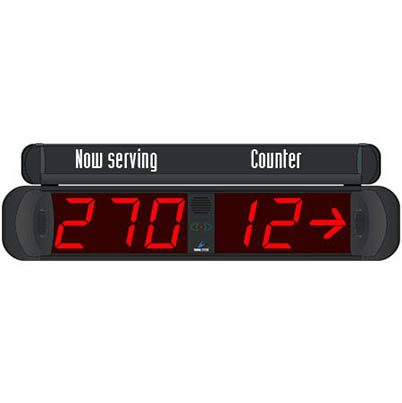
It is the main display unit usually placed in the waiting area.
SelectMP-MD32
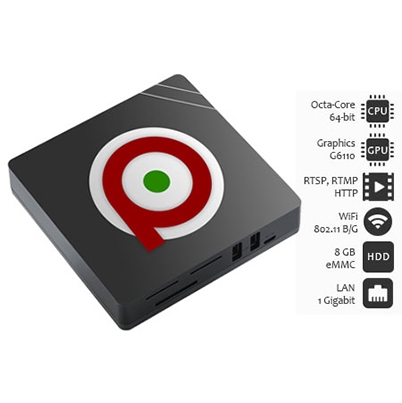
It is the central unit of the Q-Retail system.
SelectQS-RETAILBOX
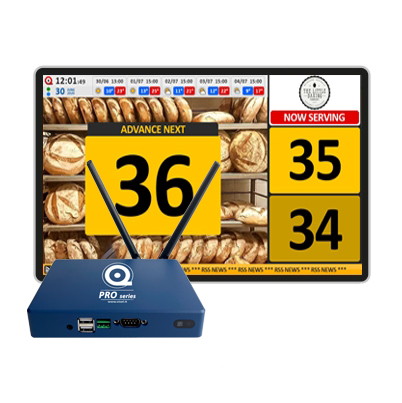
It is the central unit of the Q-Retail PRO system.
SelectQS-RETAILBOX-PRO
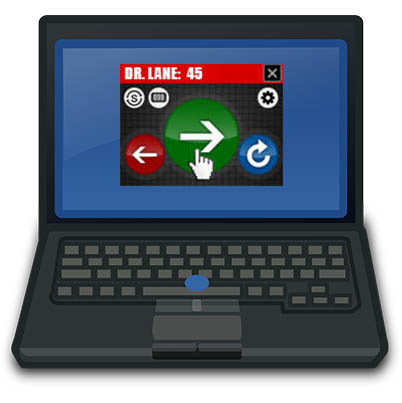
Software license for numbering management on Q-Retail.
SelectQS-KEYRETAIL
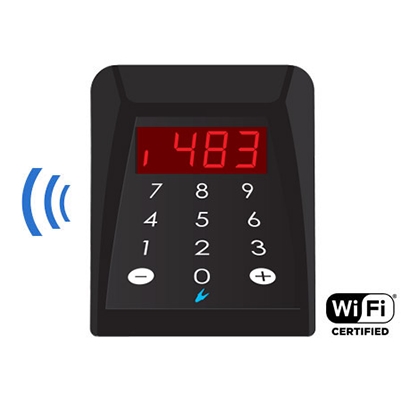
Tabletop WiFi Console for Q-Retail.
SelectQS-WPAD
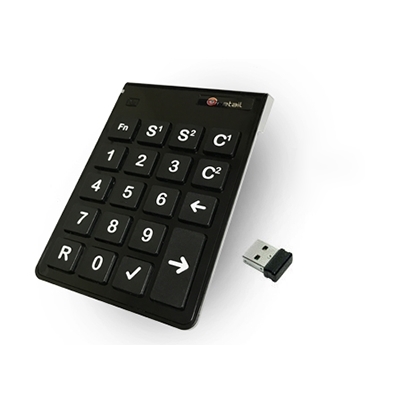
Wireless remote for Q-Retail system.
SelectQS-KEYPAD
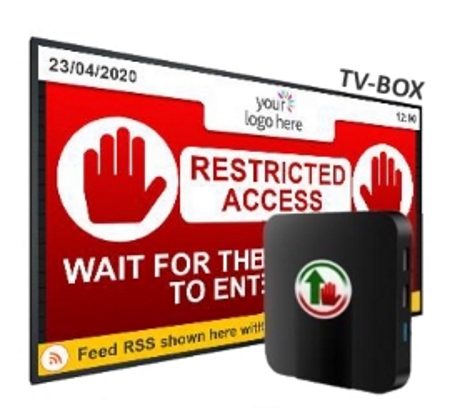
Main unit Server box LCD monitor for NexTab line.
SelectQS-NEXTABBOX
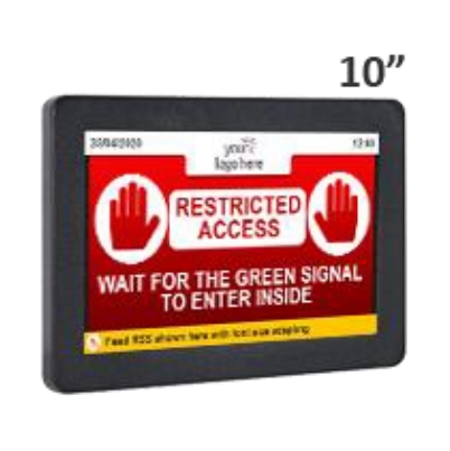
Monitor all-in-one 10” for NexTab line.
SelectQS-NEXTAB10
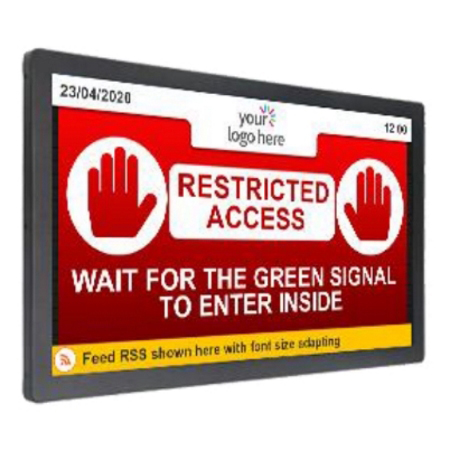
Monitor all-in-one 19” for NexTab line.
SelectQS-NEXTAB19
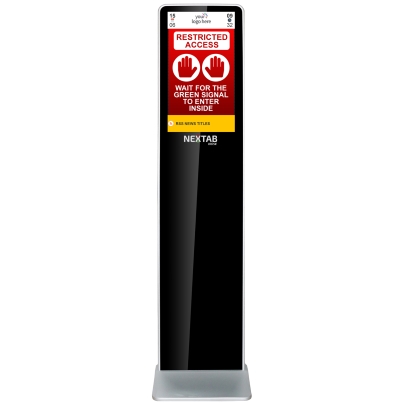
NexTab Kiosk for NexTab line.
SelectQS-NEXTAB22VK
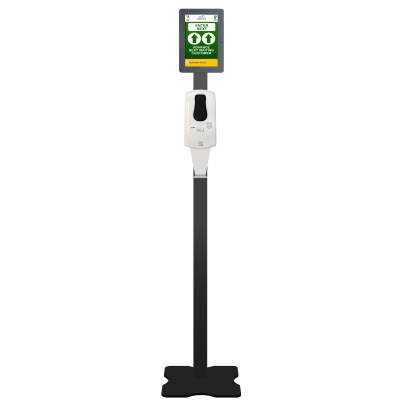
Station - Monitor LCD 10' + Sanigel no-touch NexTab line.
SelectQS-NEXTAB10SANI
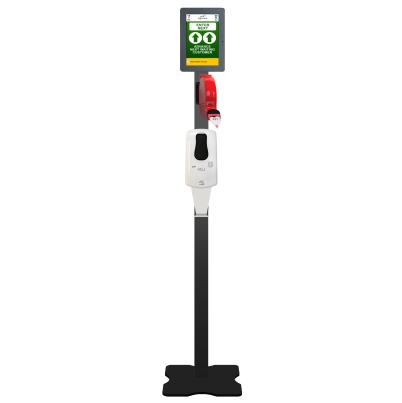
Station - Monitor LCD 10' + Sanigel no-touch + Ticket Dispenser NexTab line.
SelectQS-NEXTAB10SANIQ

Main Unit for Virtual display of the LCD.
SelectQS-LITEBOX
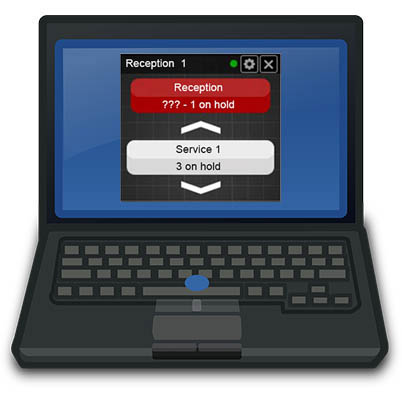
Licenza software per la stampa dei ticket da banco.
SelectQS-SOFTRECEPT
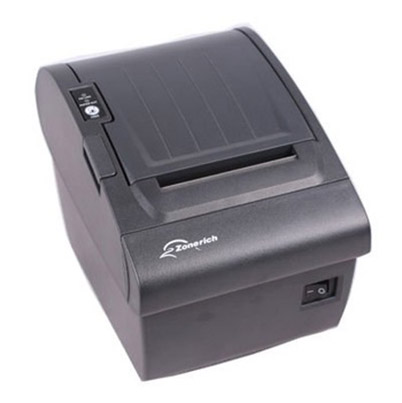
Tabletop thermal printer for MicroTouch Reception systems.
SelectQS-CUBETH
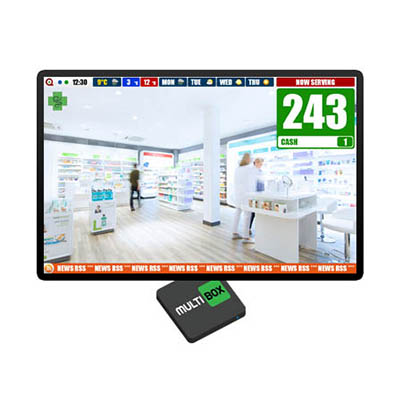
Main Unit for Virtual display MULTI type.
SelectQS-MULTIBOX
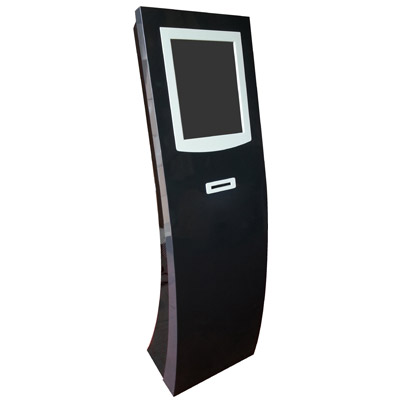
Unit for issuing the reservation coupon.
SelectQS-TOUCH
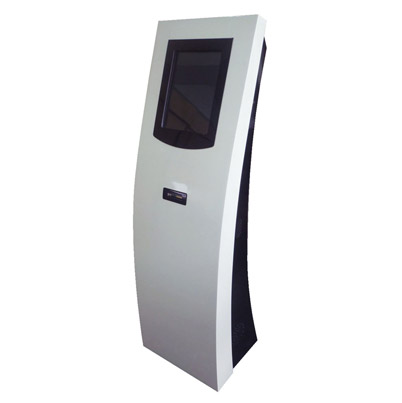
Unit for issuing the reservation coupon.
Select